Secure Boot: first start
LuxOS starts with Secure Boot on. Do not turn it off. On the very first start from the LuxOS USB stick the computer asks once to trust the LuxOS key; it takes less than a minute and nothing has to be typed. Use the arrow keys and Enter. Why and how it works: Secure Boot.
1. Start from the USB stick
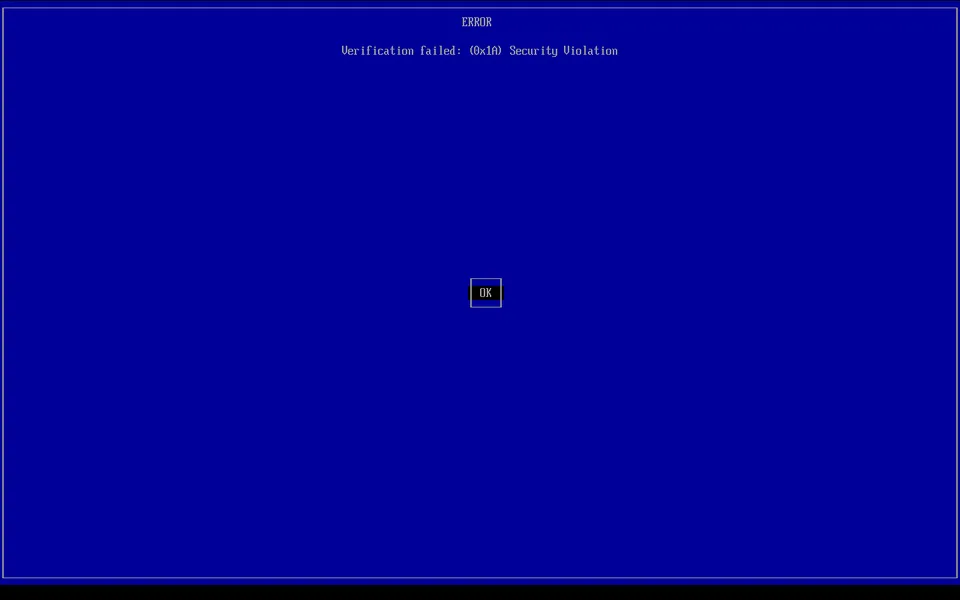
Plug in the LuxOS USB stick and choose it in the boot menu of the computer (often F12, F11, F8 or Esc right after switching on). A blue screen appears: Verification failed: (0x1A) Security Violation. This is expected the first time. Press Enter (OK).
2. Press any key
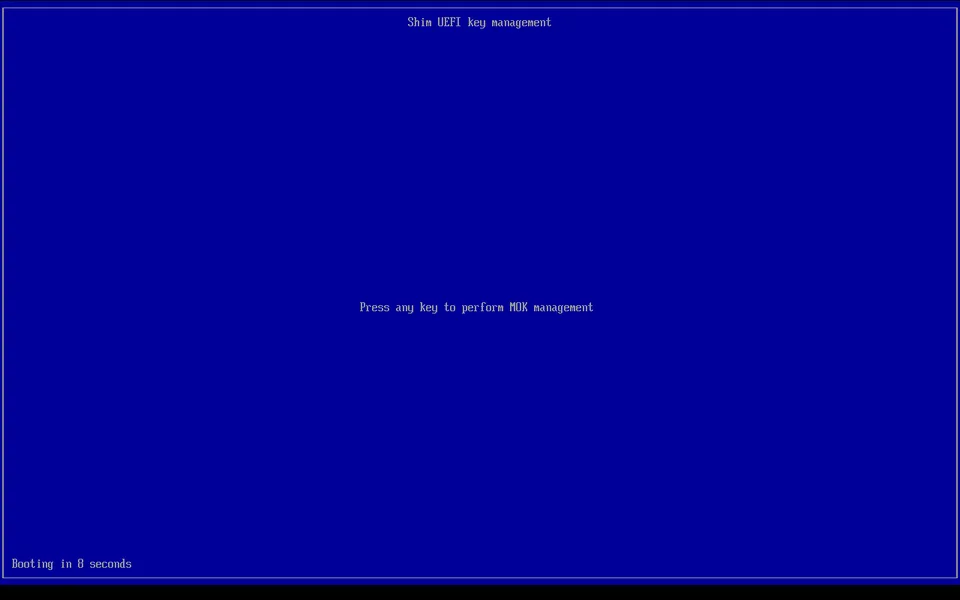
"Press any key to perform MOK management" counts down from 10 seconds. Press Space (any key). If the time runs out, the blue screen from step 1 comes back – just try again.
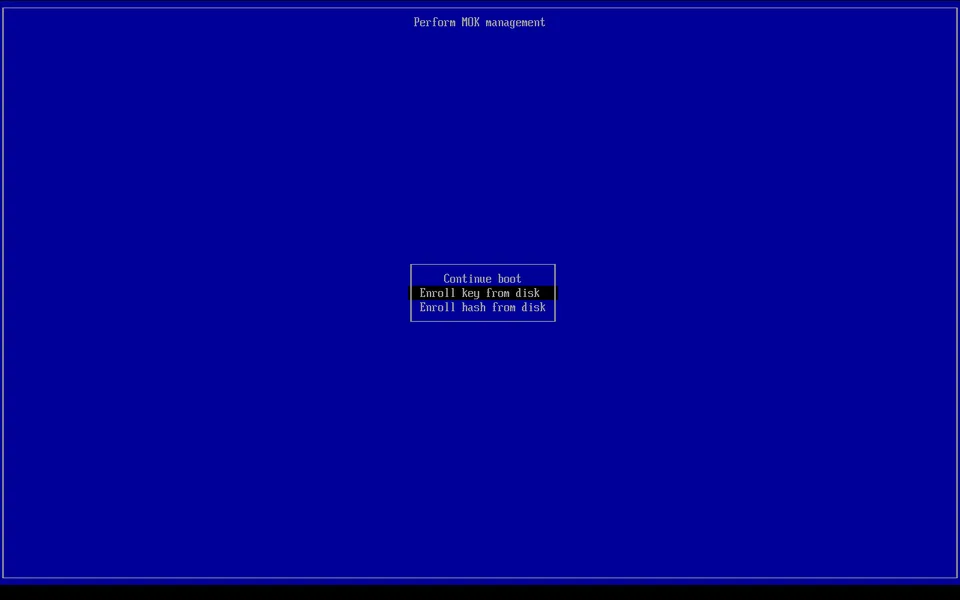
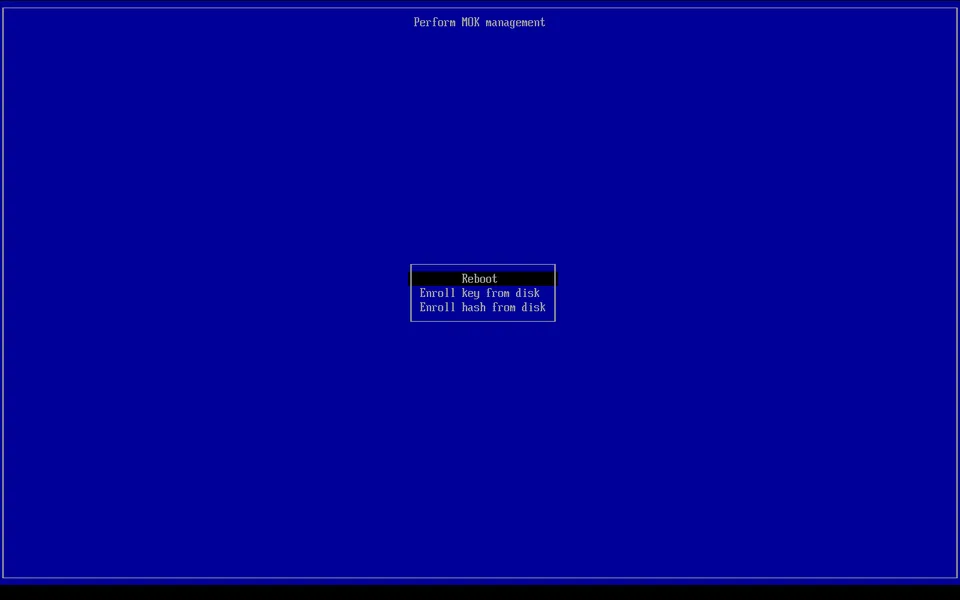
The blue MokManager menu Perform MOK management opens. Press the down arrow once to Enroll key from disk and press Enter.
3. Choose the USB stick
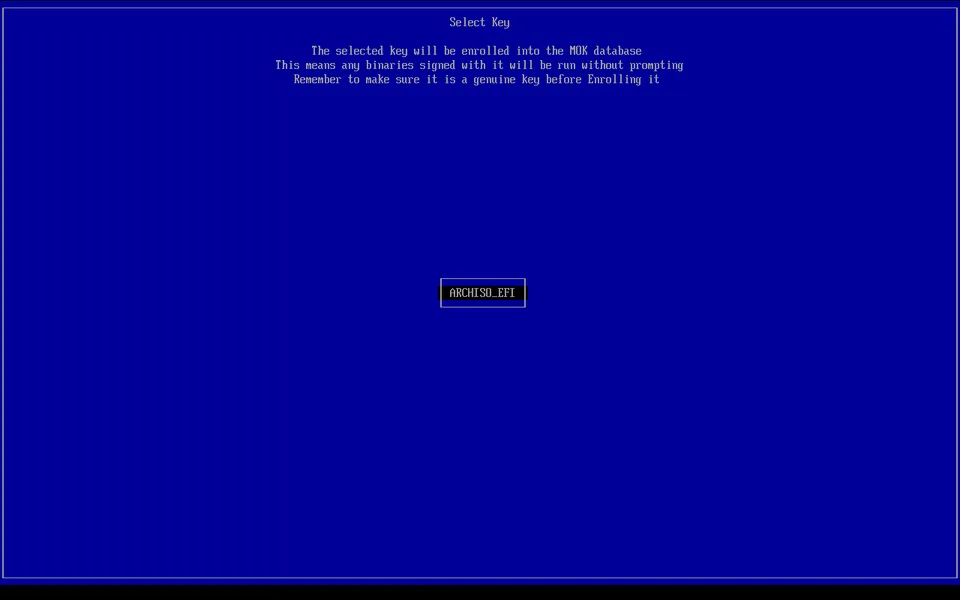
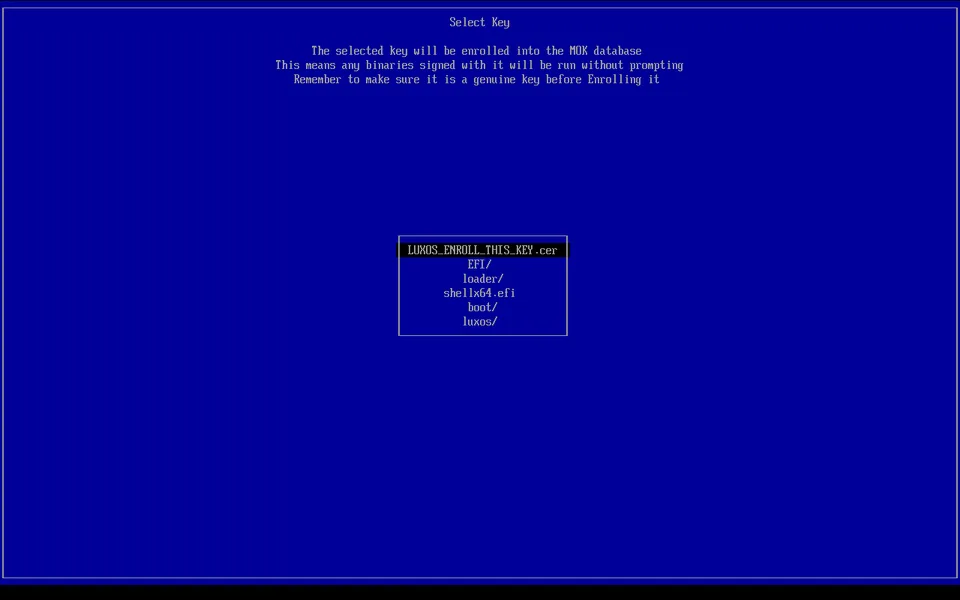
Choose the LuxOS USB stick (labelled LUXOS – on older ISOs ARCHISO_EFI – usually the only item) and press Enter.
4. Choose the LuxOS key
LUXOS_ENROLL_THIS_KEY.cer is the first item: press Enter.
5. Continue and confirm
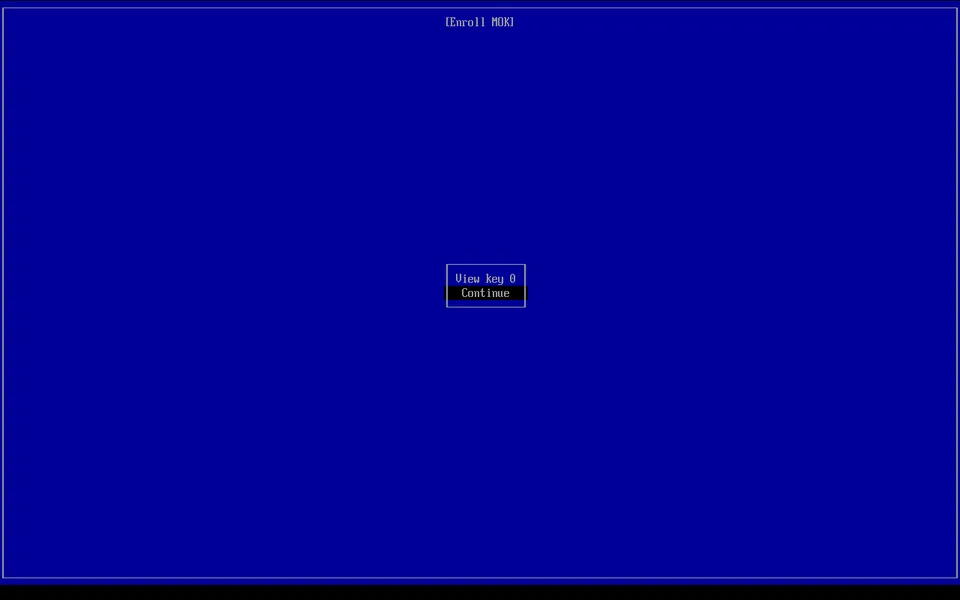
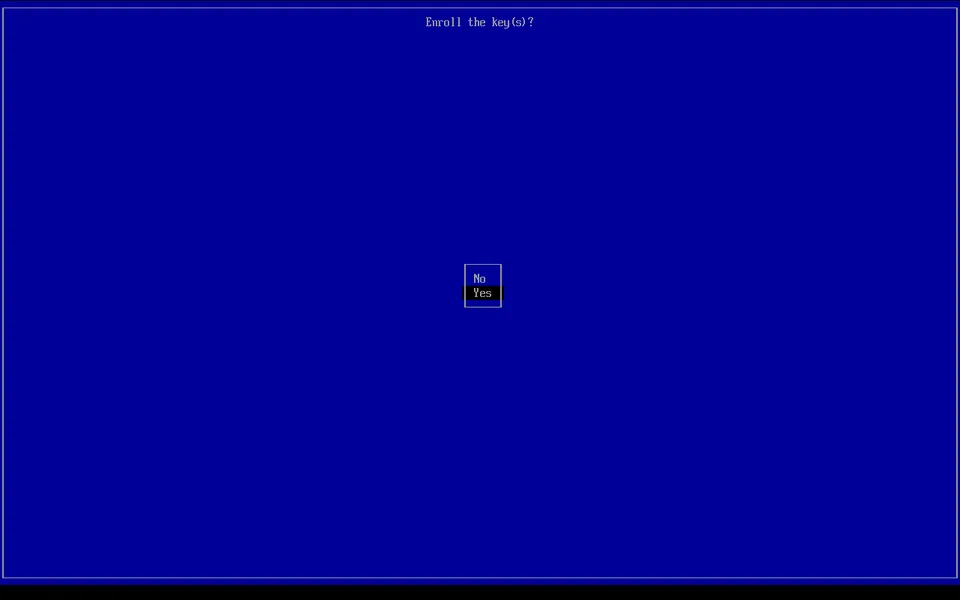
Choose Continue, then Yes to "Enroll the key(s)?".
6. Reboot
Choose Reboot. The computer starts again from the USB stick.
7. LuxOS starts with Secure Boot on
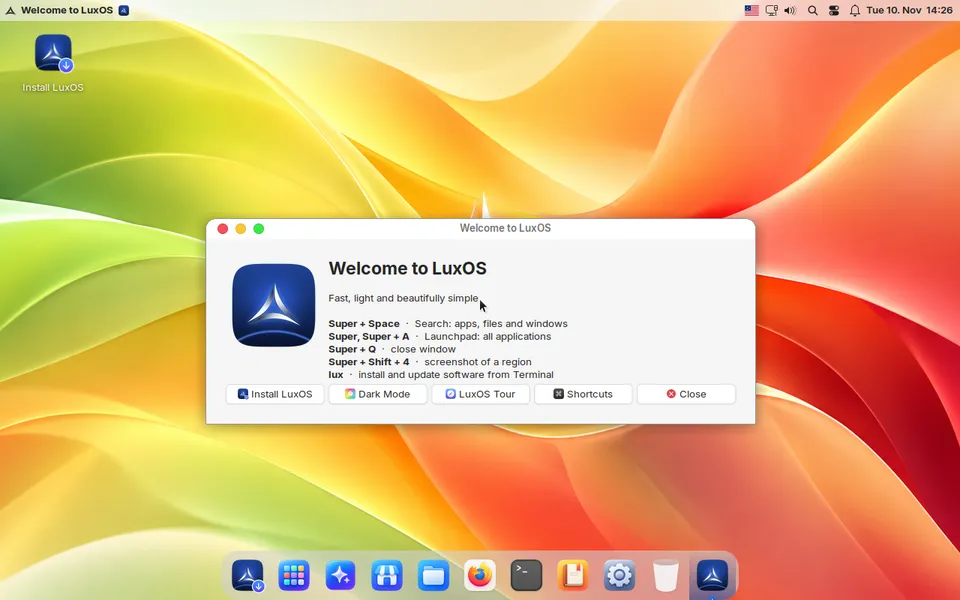
The LuxOS boot menu appears for a moment and the live system starts. Install LuxOS as usual – the installed system
starts directly, because the key is already in the computer. In a terminal, mokutil --sb-state
shows SecureBoot enabled.
If the computer refuses the USB stick
If the firmware shows "Secure Boot violation" or "Image failed to verify" before the blue screen, the computer has the Microsoft 3rd-party certificate turned off (some "Secured-core" laptops). In the firmware settings, on the Security or Secure Boot page, turn on Allow Microsoft 3rd Party UEFI CA and try again. Secure Boot stays on. More in Secure Boot.
If the blue screen does not appear
The blue screen comes from shim only. If LuxOS (or Windows) starts without it, the firmware started
another boot entry first: choose the USB stick, or "LuxOS", in the boot menu (often F12). On an
installed LuxOS, sudo luxos-secureboot fix-boot puts the LuxOS → shim entry first in the firmware
boot order and makes the next start go through shim; LuxOS also does this by itself at every start.
luxos-secureboot check tells when Secure Boot can be turned on. More in
Secure Boot.