LuxOS for schools
A free, modern desktop for classrooms and computer labs: no licence fees, sign-in with your school's existing domain accounts, works offline, no ads. Here is what LuxOS can do for a school today – and what it cannot do yet.
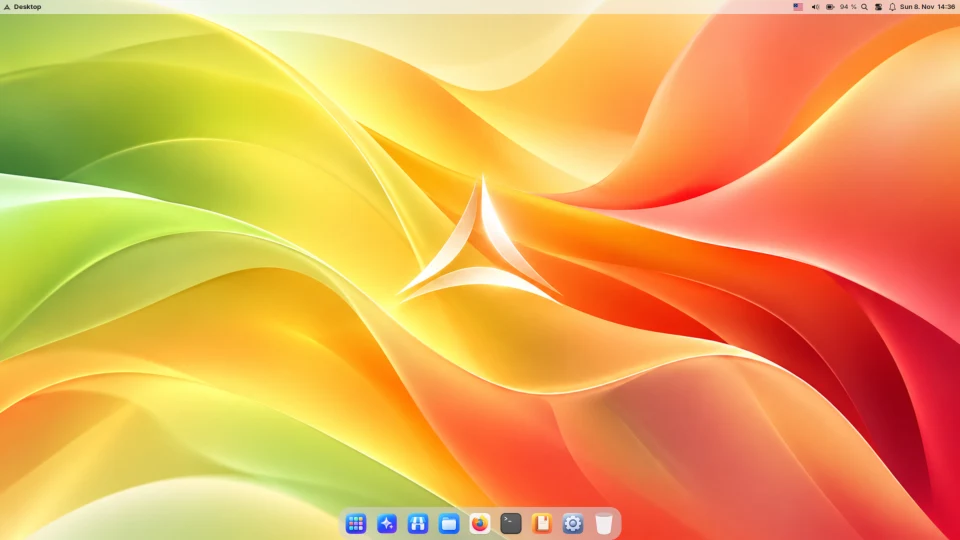
What LuxOS offers a school
| Need | How LuxOS handles it |
|---|---|
| Budget | Free of charge, no per-seat licences, no paid edition. It also runs on older PCs that Windows 11 does not support (requirements). |
| Accounts | Organization network joins an existing Microsoft Active Directory (Windows Server 2016–2025) or Samba 4 AD domain – no change on the domain side. Students and teachers sign in with their domain name and password, get a home folder and open the school's shared folders and printers without another password. |
| Who may sign in and administer | Allow sign-in only for chosen domain groups; members of chosen groups (for example IT staff) administer the computers. |
| Offline work | Once installed, LuxOS works without internet. Domain accounts can sign in offline from a cached password (30 days by default, adjustable). The manual is on every computer. |
| Privacy | No ads and no advertising ID. The only thing sent by default is an anonymous weekly count (version, update channel, rough install age) – it can be switched off in the installer. The optional LuxAI assistant sends questions to AI providers, so leave it off for students unless you have consent. |
| Many computers, same setup | Unattended installation from a configuration file. The whole system – apps, users, printers, network, updates – is described in one file (/etc/luxos/system.lsl) that lux system applies and can undo. |
| Updates without surprises | Choose automatic updates or Classic mode, where IT decides when to update. Every update takes a system snapshot first and can be rolled back from the boot menu. |
| Safety | Firewall on by default, signed packages, Lux Guard checks programs downloaded from the internet and runs dangerous ones only in a sandbox; hourly snapshots of home folders let deleted files come back. |
| Languages | The system and LuxOS apps in 13 languages, including English, Czech, Slovak, German, Polish and Ukrainian. |
Apps for lessons
The installer offers app sets that fit school subjects:
- Everyday: LibreOffice (opens and saves Word, Excel and PowerPoint files), Thunderbird, calculator.
- Programming: Python, Node.js, Git, a Code - OSS editor and the AI coding agent Lux Code; LuxOS also has its own simple programming language, LSL.
- Video & Photo: GIMP, Inkscape, darktable, Kdenlive, Audacity and OBS Studio.
- Security & Networking for IT classes: Wireshark, Nmap, tcpdump, KeePassXC and more.
Thousands more apps are in the LuxOS Store. LuxDrop sends files between classroom computers and phones (compatible with LocalSend).
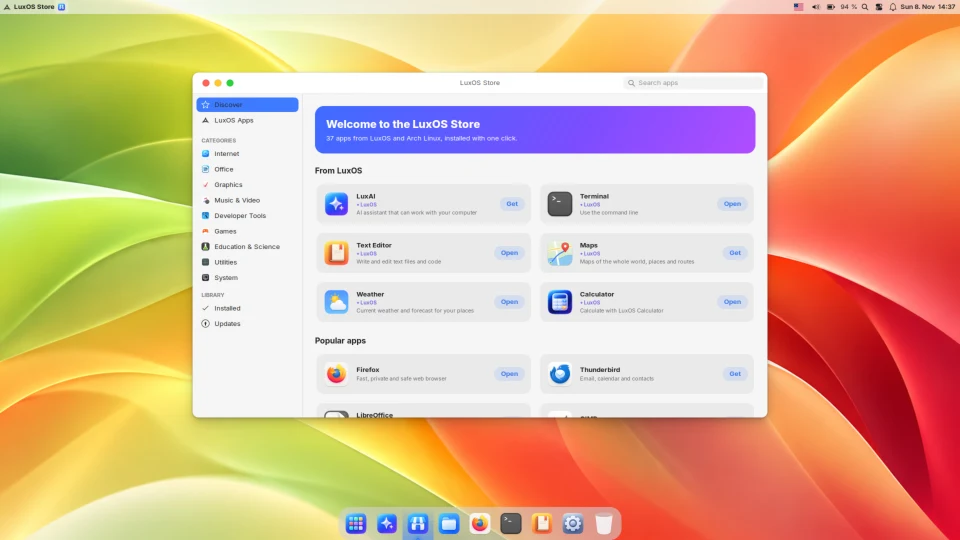
What LuxOS does not do (yet)
- No central management console. LuxOS uses your existing Active Directory for accounts, groups, administrator rights, shared folders and printers. It does not apply Windows Group Policy settings, deploy software from the domain or offer an MDM dashboard.
- No parental controls or screen-time limits.
- Some Windows-only software will not run – specialised school, testing or exam software may need Windows. Check your list first (what works and what does not).
- A young, one-person project, without a commercial support contract. Start with a pilot in one classroom, keep the option to go back, and report what you find.
How to start a pilot
- Download LuxOS and try it from a USB stick on the classroom computers – nothing is installed.
- Install one computer and join it to the domain in Settings › Organization Network (or
lux domain join). - Adjust the setup, then install the other computers unattended with the same configuration.
- Questions or problems: write to info@lux-ai.cz or open an issue on GitHub.
Common questions
Does LuxOS cost anything for schools?
No. LuxOS is free for everyone, including schools, with no per-computer licences. The Organization network feature is free to use on LuxOS as well.
Can students sign in with their school accounts?
Yes, if the school has a Microsoft Active Directory or Samba AD domain. After the computer joins the domain, students sign in with their domain name and password and can open shared folders and printers without another password.
Does LuxOS need internet in the classroom?
Installation and updates need internet. Everyday work does not: apps, files, the manual and domain sign-in from a cached password work offline.